1. Tu colles ton cours
Un extrait de chapitre, un document importé. Prévilégie une division logique.
sur tes documents convertis en quiz et séances de mémorisation
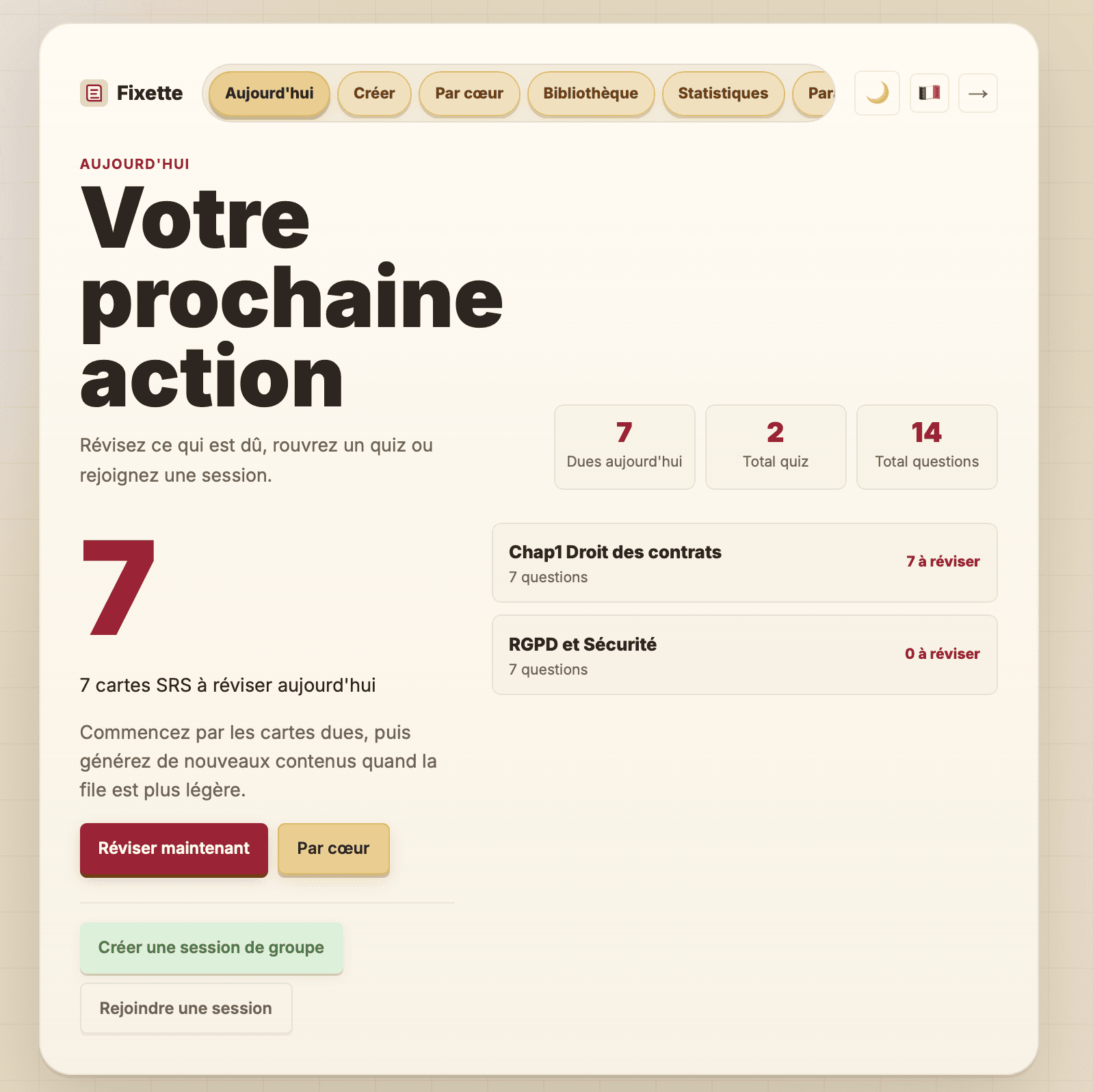
Colle tes notes ou importe un document. Au lieu d'avancer à l'aveugle, Fixette te spécialise dans la mémorisation et la vision de ta progression. Classe des quiz variés dans des dossiers par domaines et y mettre des texte à apprendre par cœur. Ensuite, suis ta progression jusqu'à une restitution solide.
Sans carte bancaire · Premier quiz en moins d'une minute
Un exemple concret
Un extrait de chapitre, un document importé. Prévilégie une division logique.
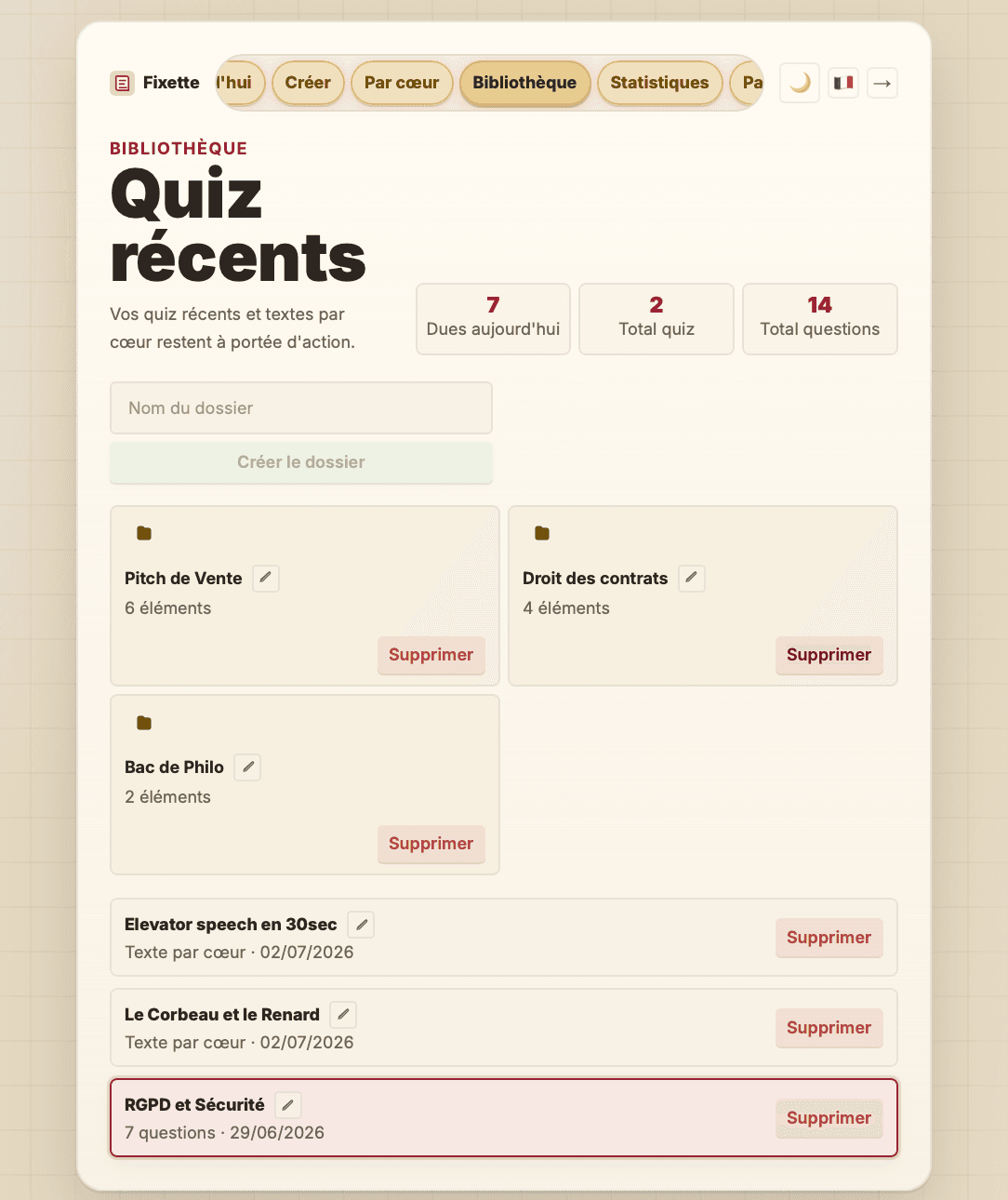
7 types de questions variés — choix multiple, vrai/faux, texte à trous, appariement, réponse libre — pour vraiment tester la compréhension, pas juste la reconnaissance.
Les mauvaises réponses reviennent automatiquement et les questions sont sauvegardées dans tes quiz.
Par cœur
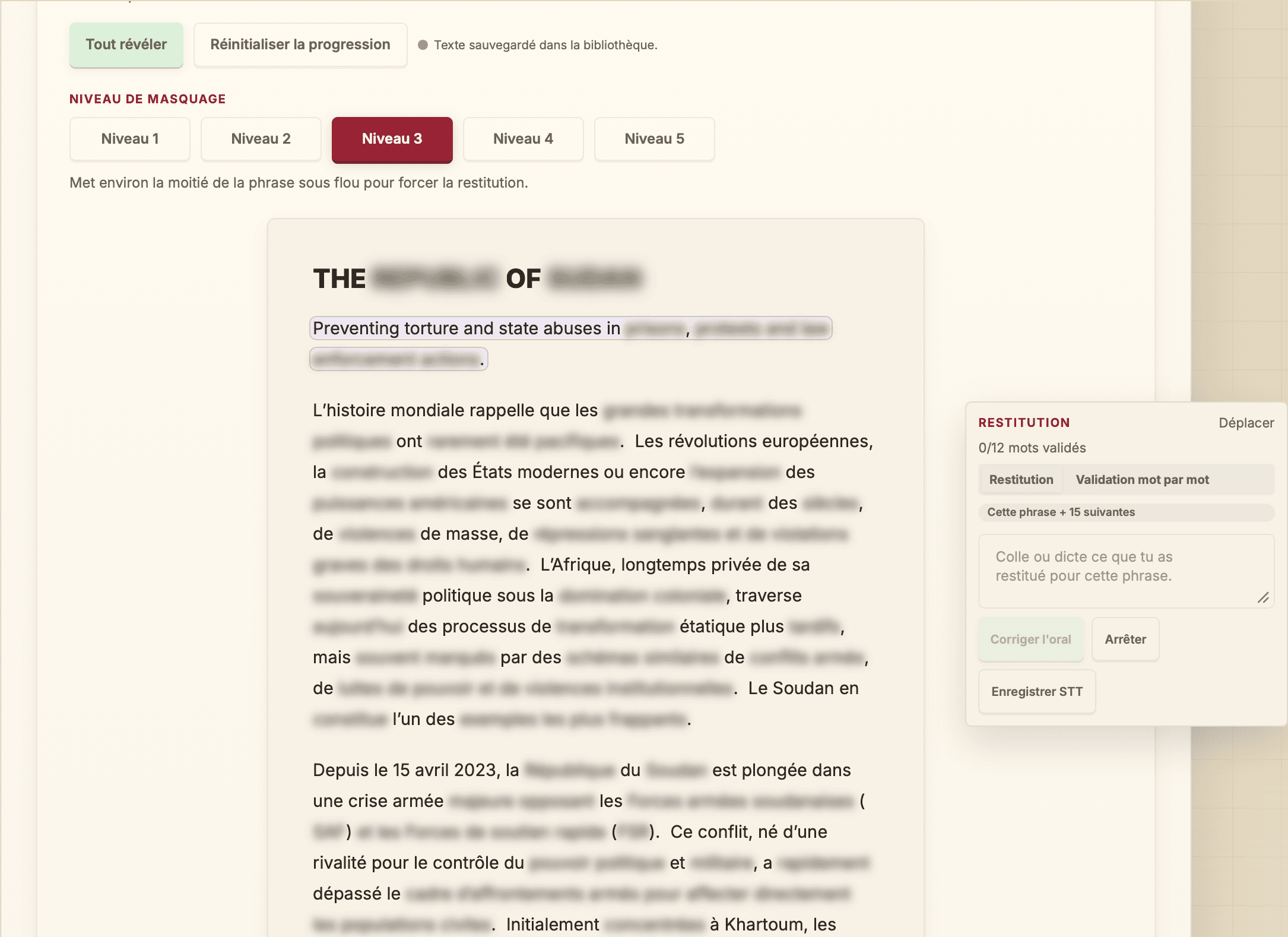
Discours, définitions, procédures ou passage de cours : le texte reste dans son contexte.
Tu choisis le niveau de masquage, puis tu t'entraînes à l'écrit ou avec notre technologie de reconnaissance vocale.
Les mots retrouvés sont validés immédiatement pour savoir précisément où reprendre.
Les phrases mal restituées deviennent prioritaires dans tes prochaines séances.
Cas d'utilisation
Transformer un chapitre, une fiche ou un polycopié en quiz, puis apprendre les définitions et plans importants par cœur.
Revoir les mauvaises réponses, mémoriser des définitions, préparer un oral et garder un rythme de révision régulier.
Créer des supports de validation des acquis à partir de procédures, normes ou documents internes, avec rappel des points critiques.
S'entraîner sur un discours, une introduction, une plaidoirie ou une présentation sans perdre le fil du texte source.
Compare
Ces outils sont forts sur un usage précis. Fixette vise le flux complet : importer un document, générer des exercices, mémoriser les passages clés et revenir sur les erreurs.
Ce que Fixette garde ensemble
| Application | Prix | Points forts | Pour qui |
|---|---|---|---|
Le parcours completFixetteRecommandé | Essai sans inscription, gratuit connecté, Premium pour les usages avancés | Quiz multi-formatsPar cœurSRS + mesures de la progressionSessions de groupeImport documents | Unifier création, révision et mémorisation dans la même bibliothèque. |
FlashcardsAnki | Desktop, web et Android gratuits; app iOS payante une fois | FlashcardsSRS | Excellent pour cartes recto-verso, moins direct pour générer un parcours depuis un document. |
ListesQuizlet | Freemium, Premium | Listes de vocabulaireModes d'entraînementBibliothèque | Très accessible pour réviser des listes, moins centré sur le document long et la correction des erreurs. |
Les prix concurrents varient selon les pays, plateformes, publics éducation/pro et promotions. Vérifie toujours la page tarifaire officielle avant un achat.
Offres
Ressources
Un générateur de quiz IA lit ton cours et en tire des questions de révision. Fixette le fait gratuitement, sans inscription, avec 7 types de questions et la révision espacée.
Importe un PDF, un DOCX ou des slides PPTX et obtiens un quiz de révision généré par IA. Fonctionne avec les polycopiés, chapitres et supports de formation.
Génère des quiz de révision personnalisés à partir de tes notes et documents, suis ta progression et retravaille automatiquement tes erreurs.
Application pour apprendre par cœur avant un examen : mémorise un discours, une définition, un plan ou une plaidoirie avec le masquage progressif de Fixette. Essai gratuit, sans inscription.
Fixette planifie automatiquement tes prochaines sessions de révision avec un système de répétition espacée (SRS) alimenté par tes erreurs réelles.
Relire et surligner donnent une illusion de maîtrise. La révision active — se tester, restituer, espacer — est la méthode validée par la recherche. Guide pratique.
Courbe de l'oubli, intervalles croissants, SRS : comprendre pourquoi la répétition espacée est la méthode de mémorisation la plus efficace, et comment l'appliquer.
Texte, discours, définitions, poésie : la méthode pas à pas pour apprendre par cœur sans réciter dans le vide — découpage, masquage progressif, restitution orale.
Combien de semaines avant, combien de passages par chapitre, que faire la dernière semaine : un plan de révision concret basé sur la répétition espacée.
Fiches de révision, définitions, articles et jurisprudence : comment mémoriser le droit durablement avec la révision espacée. Méthode d'étudiant + outil gratuit.
Polycopié, slides de CM, chapitre scanné : la méthode pour transformer un PDF de cours en quiz de révision utile, et réviser ses erreurs au bon moment.
Corriger sa copie ne sert à rien si on se contente de lire le corrigé. La méthode pour trier ses erreurs, en faire une fiche et les retester avant le prochain examen.
Notes de CM, polycopiés, fiches : comment un étudiant transforme ses cours en quiz IA pour réviser, pour quelles matières ça marche, combien de questions générer et les pièges à éviter.
Oui, il existe des générateurs de quiz IA gratuits. Ce que Fixette offre sans inscription, les limites exactes de l'essai et du compte gratuit, et comment les lever.
Comment coller un cours ou un chapitre dans un générateur de quiz IA : découpage, longueur optimale, types de questions à privilégier et exploitation des erreurs avec la révision espacée.
Teste un quiz ou une séance par cœur sans créer de compte, puis sauvegarde ton travail quand tu es prêt.
Essayer sans inscription